
Claude, From First Plan to Working Automation
Claude is strong on writing, document analysis and technical work. Used well it becomes a shared team resource rather than a private chat window. We take you from plan, to adoption, to automation.
Why Claude, and Why Us
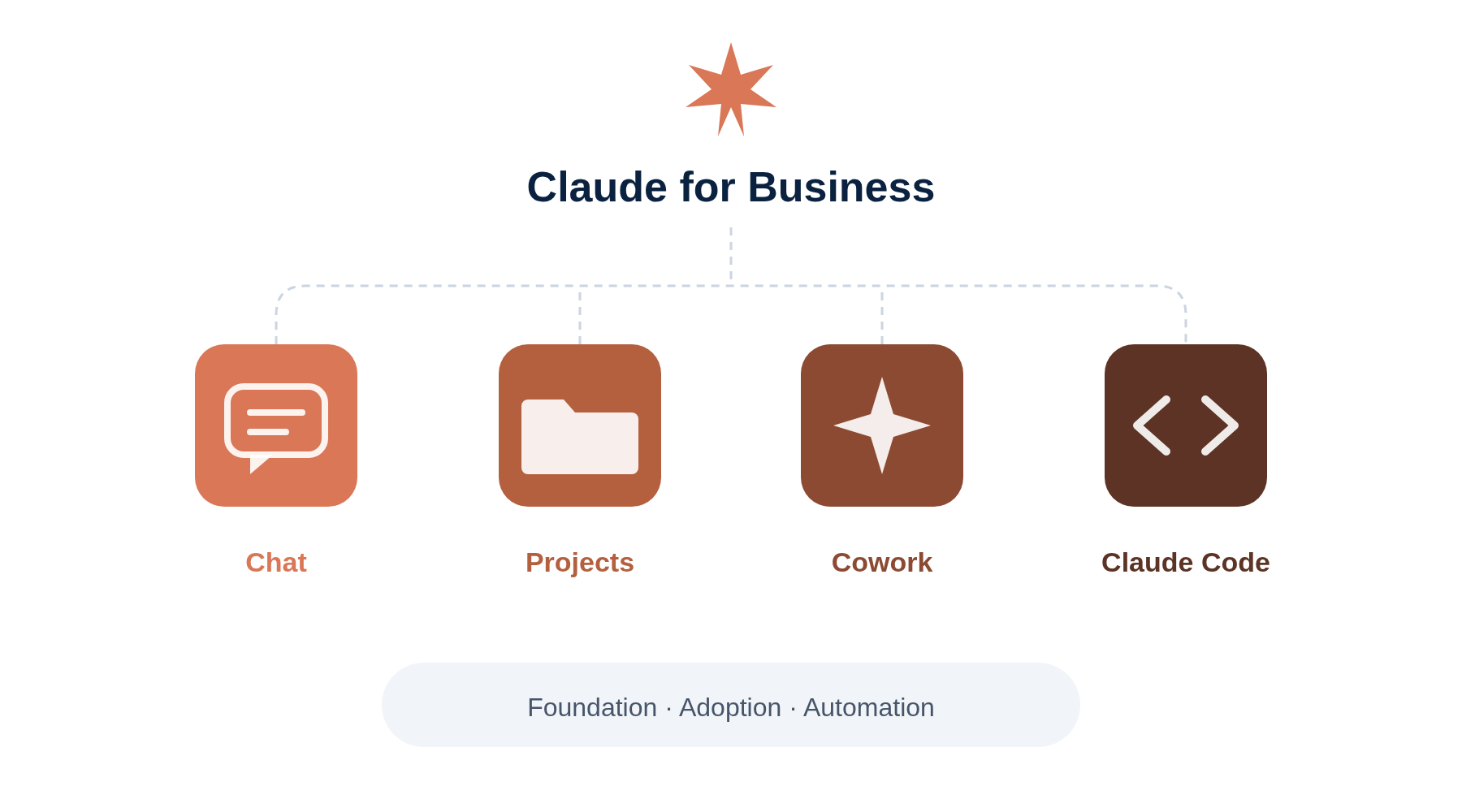
Claude has a different shape to a suite assistant. Rather than living inside applications you already have open, it works through its own interface, through shared Projects that hold a team's context and instructions in one place, and through Cowork, where you set a goal and it works across your files and connected tools to produce a finished piece of work.
That difference matters for how you roll it out. The gains come from properly configured shared setups rather than from individuals each discovering their own way of working. A well built Project for a specific team is worth considerably more than the same team all using the chat box on their own.
For connecting Claude to your other systems, the route is the Model Context Protocol, an open standard Anthropic created and which the wider industry has now adopted. In practice that means many business applications can be connected without any development at all.
Process First
25 years of understanding how work actually flows through a business, which is what tells you where an assistant is worth pointing.
Shared Setups, Not Individual Habits
We build the Projects and configurations that make Claude a team resource rather than a personal one.
Integration Without Assumptions
Many systems connect through existing connectors. We tell you which of yours do before anyone quotes for development.
Sound Familiar?
The conversations we have with businesses about Claude almost always start in one of these four places.
Everyone is using it differently
A few enthusiasts signed up, each has their own way of working, and none of it is shared. The knowledge sits with individuals and leaves when they do.
It is being used as a generic chatbot
Staff paste text into a chat box and paste the answer back out. Nobody has set up Projects, so Claude starts from nothing every time and the output stays generic.
Nobody is sure what is safe to put in
Without a clear policy on what can and cannot be shared, people either overshare or avoid it entirely. Both are costly in different ways.
No route from chat to real work
Teams can see that Claude could handle whole pieces of process rather than single questions, but there is no obvious path from everyday chat to that kind of automation.
Three Stages, One Journey
Every Claude engagement follows the same three stages. Training builds capability across your teams, consulting handles the work that will not fit a standard course.
1. Foundation
A realistic plan grounded in how your business actually works, with governance settled before anything is rolled out.
2. Adoption
Role based training and internal champions, so usage embeds rather than tailing off after a fortnight.
3. Automation
Claude connected to the systems you run on, and purpose built tools where the business case justifies them.
Claude Training Courses
Eight courses following the three stage sequence. Delivered to your team at your offices or online, or book individuals onto an open public course.
| Course | Who it is for | Format | Price |
|---|---|---|---|
| STAGE 1 · FOUNDATION Deciding whether and how to roll out. | |||
| Claude Readiness Workshop Understand what Claude can and cannot do, how it differs from tools you may already know, and leave able to make a rollout decision. |
Leadership and decision makers | Half day, on site or online | On request |
| AI Governance and Data Essentials for Claude Understand Claude's data handling, the admin console and workspace controls, permissions, connector approvals and acceptable use for a business rollout. |
IT lead or operations manager | Half day | On request |
| STAGE 2 · ADOPTION Getting the whole team using it properly. | |||
| Claude Fundamentals Learn the chat interface, Projects for shared team context and instructions, working with documents, and prompting built into the session rather than taught separately. |
All staff | Half day | On request |
| Advanced Claude Go further with prompting for complex tasks, use Artifacts for working documents, work across Excel, PowerPoint and Word with Claude for Microsoft 365, build a Project your team can reuse, and use Cowork to run multi step work on a schedule. |
Staff who have completed Fundamentals | Half day | On request |
| Claude Champions Programme Go deeper on capability, Projects and Skills setup, and troubleshooting, so you can support colleagues building their own. |
One or two nominated power users per team | Three half days over six weeks | On request |
| STAGE 3 · AUTOMATION Connecting it to your other systems and building on it. | |||
| Integrating Claude: An Introduction Understand the integration landscape: the connector directory, the Model Context Protocol, and a clear view of what is achievable with existing connectors against what needs custom work. |
IT, operations and technically minded champions | Full day | On request |
| Building Your First Claude Integration Build a working integration for your own business, connecting Claude to something like a CRM or an internal database. |
IT and technical champions | Full day, hands on | On request |
| From Integration to Custom Application Use the Claude API and Claude Code to move from Claude reading your data to a purpose made tool or agent for a specific process. |
Technical champions who have completed the above | Full day | On request |
Consulting
The work that depends on your systems and processes, and could not sensibly be delivered as a standard course.
Specific to Claude
Claude Readiness Assessment
A review of your current workflows, tools and data practices, with two to four high value use cases identified. Document heavy work and research tend to surface first.
Project and Workspace Setup
Building well structured Projects for specific teams or functions, preloaded with the right context and instructions, plus a review of how they are being used.
MCP Integration Build
Design and build of a connector linking Claude to a specific application or data source, including testing and handover.
Available at every stage
These run the same way whichever platform you choose.
- 90 Day Rollout Plan · sequencing licensing, training and first use cases
- Integration Opportunity Mapping · which systems are worth connecting, and what each would save
- Custom Application Discovery and Scoping · defining the problem before anyone builds anything
- Custom Application Build · design, build, test and deployment
- Automation Roadmap · sequencing several builds over time
- Ongoing Support and Iteration · retained support as things change
WHAT THIS REPLACES
STAGE 1
Signing up for Claude and leaving individuals to work it out alone, with no shared plan and no agreed use cases.
STAGE 2
Staff using Claude as a generic chatbot with no shared setup, and missing the gains that come from properly configured Projects.
STAGE 3
Claude staying confined to one off conversations, disconnected from the systems the business runs on.
What You Should Know Before You Buy
Straight answers on the things that catch businesses out, checked against the vendor's own current documentation.
Team plans start at two seats
The business plan has a low minimum, so you can start with a small group and grow. There is no need to commit the whole organisation to find out whether it works for you.
Your data is not used for training by default
Anthropic states that inputs and outputs from its commercial products are not used to train its models by default. Note that this applies to business plans. Personal accounts are governed separately, which is a good reason to move people off them.
Certifications
Anthropic holds SOC 2 Type II, ISO/IEC 27001 and ISO/IEC 42001, the AI management systems standard, and offers a data processing addendum for GDPR.
Data residency needs care
On Anthropic's own platform, data at rest is held in the United States. If your organisation requires data to stay in the UK or EU, the route is to run Claude models through a cloud provider in an in-region deployment. We will tell you which applies to you rather than glossing over it.
Cowork changes the conversation
Cowork lets you set a goal and have Claude work across your files and connected tools to produce finished output, including on a recurring schedule. It is included with the business plans and is often where the practical value shows up first.
Many systems connect without development
Anthropic maintains a directory of ready made connectors. Where your system is listed, connecting it is a configuration task rather than a build, and we will say so.
All Courses in One Place
Every course across all three platforms, with formats, audiences and prices.
Frequently asked questions
Which Claude plan do we need?
For a business the relevant options are the Team plan, which starts at a low seat minimum and suits most smaller organisations, and Enterprise for larger deployments with stricter controls. Team gives you shared Projects, central billing, admin controls and single sign on. Enterprise adds things like audit logging, custom data retention and finer grained permissions. We confirm current pricing and seat terms as part of the readiness assessment, because they change more often than published guides keep up with.
Is our data used to train Claude's models?
Not on the business plans, by default. Anthropic states that inputs and outputs from its commercial products are not used to train its models unless you explicitly opt in, for example by submitting feedback on a response. It is worth being precise here: that commitment covers commercial plans. Personal Free and Pro accounts are governed by a separate policy, which is one of the better arguments for moving staff off personal accounts and onto a managed workspace.
Where is our data held?
On Anthropic's own platform, data at rest is currently held in the United States, and traffic may be routed through several regions. Anthropic holds the relevant certifications and offers a data processing addendum, which is sufficient for many UK businesses. If you have a contractual or regulatory requirement for data to remain in the UK or EU, the honest answer is that this needs Claude models deployed through a cloud provider in an in-region configuration rather than the standard product. We will work out which applies to you during the assessment.
What is Cowork and why does it matter to us?
Cowork is the part of Claude built for longer pieces of work rather than single questions. You set a goal, and it works across your files and connected tools, showing you what it is doing as it goes, and returns finished output such as a document or a spreadsheet. It can also run on a schedule, which suits recurring reporting. For a smaller business it is often where the value becomes obvious, because it produces a deliverable rather than an answer you then have to do something with.
What is MCP, and do we need a developer?
The Model Context Protocol is an open standard for connecting AI to other tools and data sources. Anthropic created it and it has since been adopted well beyond Claude. In practice it means a great many business applications can be connected by an administrator through an existing connector, with no development involved. Where you need Claude connected to a bespoke internal system, that does require building a connector, and that is a genuine development task. We will tell you which category you are in before you budget for anything.
Related Pages
The AI Adoption Framework
The three stage approach behind this page, and how the stages apply whichever platform you choose.
Learn moreMicrosoft Copilot
The same journey delivered on Copilot, usually the default if you already run Microsoft 365.
Learn moreChatGPT
The same journey delivered on ChatGPT, with Custom GPTs and Workspace Agents for repeat tasks.
Learn moreWhere Should You Start With Claude?
Book a free 30 minute discovery call. We will tell you which stage you are actually at, and what a sensible first step looks like for a business your size.
Or call us directly: 0207 947 4041