
Microsoft Copilot, From First Plan to Working Automation
Copilot runs inside the applications your team already has open. Getting value from it takes a plan, real training, and then connecting it to the rest of the systems you run on. We deliver all three stages.
Why Copilot, and Why Us
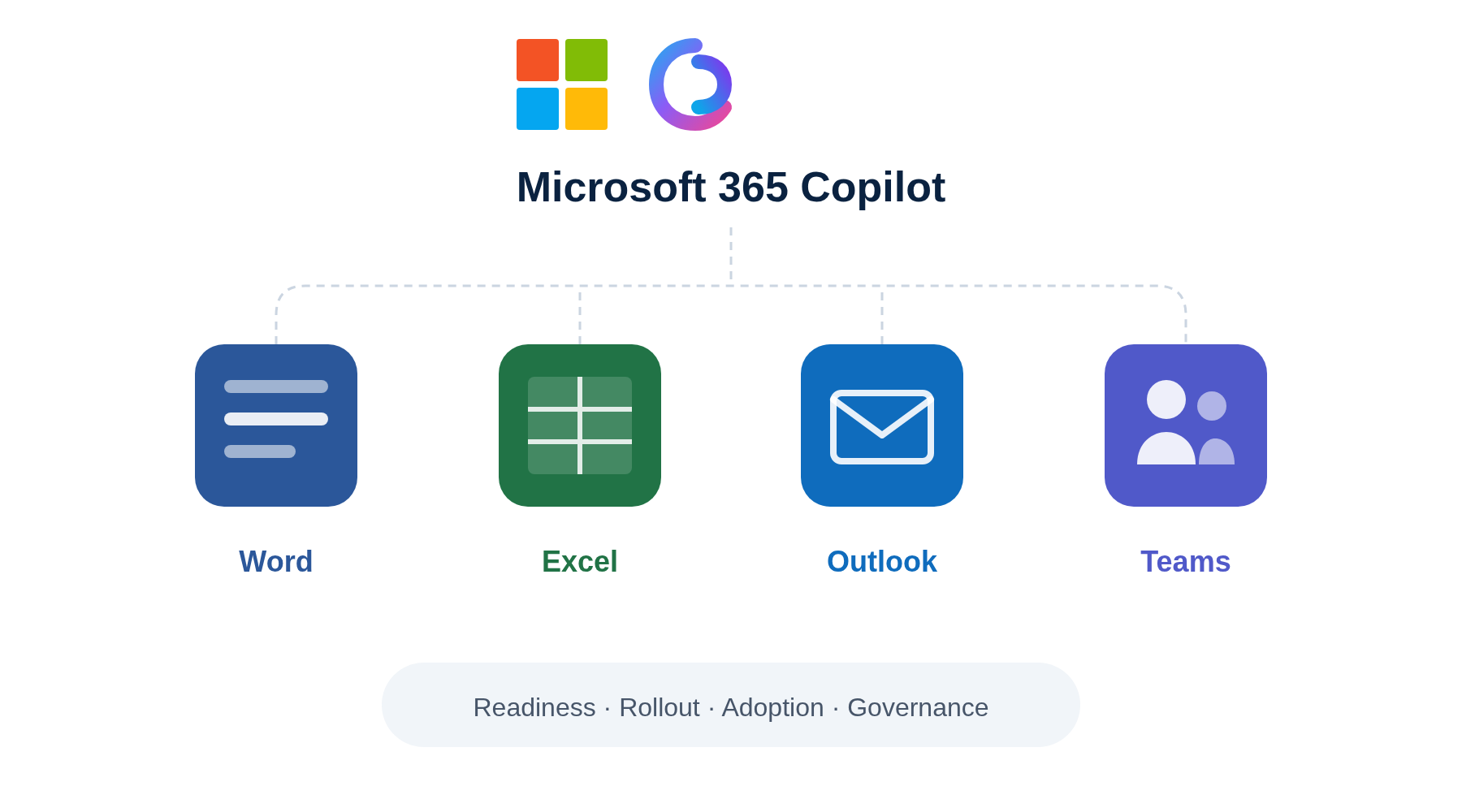
If your business already runs on Microsoft 365, Copilot is usually the practical default. It sits inside Word, Outlook, Excel and Teams, so there is no new application for people to remember to open, and the data it works with is the data you already hold in your own tenant.
That convenience comes with a catch. Copilot inherits your existing Microsoft 365 permissions, which means it will surface whatever your people can already reach, faster and more helpfully than search ever did. Tenants that have accumulated over-shared sites and unreviewed libraries tend to discover that fact the hard way.
We have been building and governing Microsoft environments since the earliest versions of SharePoint. We know where the problems usually sit, and we deal with them before rollout rather than after.
25+ Years of Microsoft Delivery
Certified consultants across Microsoft 365, SharePoint, Power Platform and Azure, with more than 1,250 projects behind us.
Governance Built In
We work in regulated environments as a matter of routine, so permissions, labelling and audit are part of the rollout rather than an afterthought.
Training That Sticks
Role based sessions built around the work your teams actually do, plus internal champions so the capability stays with you.
Sound Familiar?
The conversations we have with businesses about Copilot almost always start in one of these four places.
Rolled out, but only some people use it
Copilot went out to the business. Some people picked it up, most did not, and there is nothing in place to help the ones who have not. Nobody can point to what it has actually improved, or say what the business is getting back for the money.
Security will not sign it off
Your risk and compliance people want to know what Copilot can see, where the data goes, and how you would evidence any of it in an audit. Without clear answers the project stalls before it starts.
SharePoint is not ready for it
Content is duplicated across sites, permissions have built up for years, and sensitive documents sit in libraries with inherited access nobody has reviewed. Copilot will find all of it.
No idea which roles will benefit
Leadership wants Copilot deployed. Rolling it out to everyone at once is expensive, and there is no way of knowing whether every team will get the same value from it. They will not.
Three Stages, One Journey
Every Copilot engagement follows the same three stages. Training builds capability across your teams, consulting handles the work that will not fit a standard course.
1. Foundation
A realistic plan grounded in how your business actually works, with governance settled before anything is rolled out.
2. Adoption
Role based training and internal champions, so usage embeds rather than tailing off after a fortnight.
3. Automation
Copilot connected to the systems you run on, and purpose built tools where the business case justifies them.
Copilot Training Courses
Eight courses following the three stage sequence. Delivered to your team at your offices or online, or book individuals onto an open public course.
| Course | Who it is for | Format | Price |
|---|---|---|---|
| STAGE 1 · FOUNDATION Deciding whether and how to roll out. | |||
| Copilot Readiness Workshop Understand what Copilot can and cannot do, see use cases relevant to your business, and leave able to make a rollout decision. |
Leadership and decision makers | Half day, on site or online | On request |
| AI Governance and Data Essentials for Microsoft 365 Understand how Copilot accesses data, permissions, tenant settings and acceptable use. Enough to roll out safely without running a full IT project. |
IT lead or operations manager | Half day | On request |
| STAGE 2 · ADOPTION Getting the whole team using it properly. | |||
| Copilot Fundamentals Learn core skills across Word, Outlook, Teams and Excel, with prompting built into the session rather than taught as a separate subject. |
All staff | Half day | On request |
| Advanced Copilot Go further with prompting for complex tasks, chain prompts across Word, Excel, Outlook and Teams, build your own Copilot agent without writing code, and set simple automations to run on a schedule. |
Staff who have completed Fundamentals | Half day | On request |
| Copilot Champions Programme Go deeper on capability, agent building and troubleshooting, so you can support colleagues building their own. |
One or two nominated power users per team | Three half days over six weeks | On request |
| STAGE 3 · AUTOMATION Connecting it to your other systems and building on it. | |||
| Integrating Copilot: An Introduction Understand the integration landscape: Copilot Studio, agent flows, Copilot connectors and the Model Context Protocol, and how each lets Copilot read from and act on data in other systems. |
IT, operations and technically minded champions | Full day | On request |
| Building Your First Copilot Integration Build a working integration for your own business, such as connecting Copilot to a CRM or triggering an action in another application. |
IT and technical champions | Full day, hands on | On request |
| From Integration to Custom Application Move from integration work into building applications, using the same Copilot Studio and Power Platform toolset. |
Technical champions who have completed the above | Full day | On request |
Consulting
The work that depends on your systems and processes, and could not sensibly be delivered as a standard course.
Specific to Copilot
Copilot Readiness Assessment
A review of your current Microsoft 365 usage, licensing position, and data and permissions hygiene, together with two to four high value use cases specific to your business.
Usage and Adoption Review
Using Copilot Analytics to see who is genuinely using it, where adoption is lagging, and what to change in response.
Integration Build
Design and build of the integration itself, whether that is a Copilot Studio agent, an agent flow, or a connector to a specific application or data source, including testing and handover.
Available at every stage
These run the same way whichever platform you choose.
- 90 Day Rollout Plan · sequencing licensing, training and first use cases
- Integration Opportunity Mapping · which systems are worth connecting, and what each would save
- Custom Application Discovery and Scoping · defining the problem before anyone builds anything
- Custom Application Build · design, build, test and deployment
- Automation Roadmap · sequencing several builds over time
- Ongoing Support and Iteration · retained support as things change
WHAT THIS REPLACES
STAGE 1
Buying Copilot licences with no plan, and hoping adoption happens on its own.
STAGE 2
Licences sitting unused because staff got access and an onboarding email, but no real training.
STAGE 3
Copilot staying inside Microsoft 365, cut off from the systems the business actually runs on.
What You Should Know Before You Buy
Straight answers on the things that catch businesses out, checked against the vendor's own current documentation.
There is no free trial
Microsoft does not offer a trial of the paid Copilot licence. Copilot Chat is included at no extra cost with eligible Microsoft 365 subscriptions, and is the sensible way to let people try it before you commit.
Your data is not used to train the models
Microsoft states that prompts, responses and data accessed through Microsoft Graph are not used to train the underlying models. Data stays within your tenant and existing compliance commitments apply.
Copilot inherits your permissions
It only surfaces content the individual user could already open. That is reassuring in a well governed tenant and uncomfortable in one that is not, which is exactly why the readiness assessment comes first.
Analytics are included
Copilot Analytics, including the adoption dashboard and usage reporting, comes with the licence. You do not need a separate product to see whether it is being used.
The product is being renamed
Microsoft is moving from the name Microsoft 365 Copilot to Microsoft Copilot. Both appear in their own materials during the transition, and the licence you buy may still carry the older name.
All Courses in One Place
Every course across all three platforms, with formats, audiences and prices.
Frequently asked questions
Which Copilot licence do we need?
Copilot is an add on that sits on top of an eligible Microsoft 365 subscription. Licensing terms and pricing move often, so we confirm your exact position as part of the readiness assessment rather than working from assumptions or from guidance that may already be out of date. The more useful question is usually how many licences you need rather than which, and that is what the assessment answers.
Is our Microsoft 365 environment ready for Copilot?
That is what the readiness assessment tells you. Copilot works within your existing permissions, so anything a user can already reach through search it can surface and summarise. In most tenants we find over-shared SharePoint sites, legacy file permissions and unlabelled sensitive content that need attention before rollout. We review your tenant configuration, permissions model, content estate and licensing, then give you a list of what to fix, ordered by risk and effort.
Can Copilot be deployed safely in a regulated environment?
Yes, though not by default. Microsoft keeps your data inside your tenant and does not use it to train the underlying models, which handles the most common concern. The rest is your own configuration: sensitivity labelling, data loss prevention, permissions remediation, retention, audit logging and a usage policy your people can actually follow. We have delivered into regulated environments for 25 years and build those controls into the rollout rather than adding them afterwards.
Is there a free trial?
Not of the paid licence. Microsoft does not offer one. Copilot Chat is included with eligible Microsoft 365 subscriptions at no extra cost, and unlicensed users also get a standard level of Copilot in Word, Excel, PowerPoint and OneNote. Between them those give people a genuine sense of it before you commit budget, and we often use them as the basis for a pilot group.
What is the difference between Copilot and Copilot Studio?
Copilot is the assistant built into Word, Excel, Outlook, Teams and PowerPoint that works across content you already have. Copilot Studio is the tool for building custom agents, which are assistants grounded in specific data sources and connected to your line of business systems, for things like an internal helpdesk or a policy enquiry handler. Most organisations should get the everyday rollout right first. Custom agents deliver far more once the data and governance foundations are solid.
Related Pages
SharePoint and Microsoft 365
Copilot only works as well as the environment underneath it. Governance, migration and information architecture are the foundations that make it useful.
Learn moreClaude
The same three stage journey delivered on Claude, often preferred for writing, document analysis and technical work.
Learn moreChatGPT
The same three stage journey delivered on ChatGPT, with Custom GPTs and Workspace Agents for repeat tasks.
Learn moreWhere Should You Start With Copilot?
Book a free 30 minute discovery call. We will tell you which stage you are actually at, and what a sensible first step looks like for a business your size.
Or call us directly: 0207 947 4041